FreeCAD got good
A testament to Open Source tenacity, is this Free CAD software Good Enough™ to compete with the big boys?
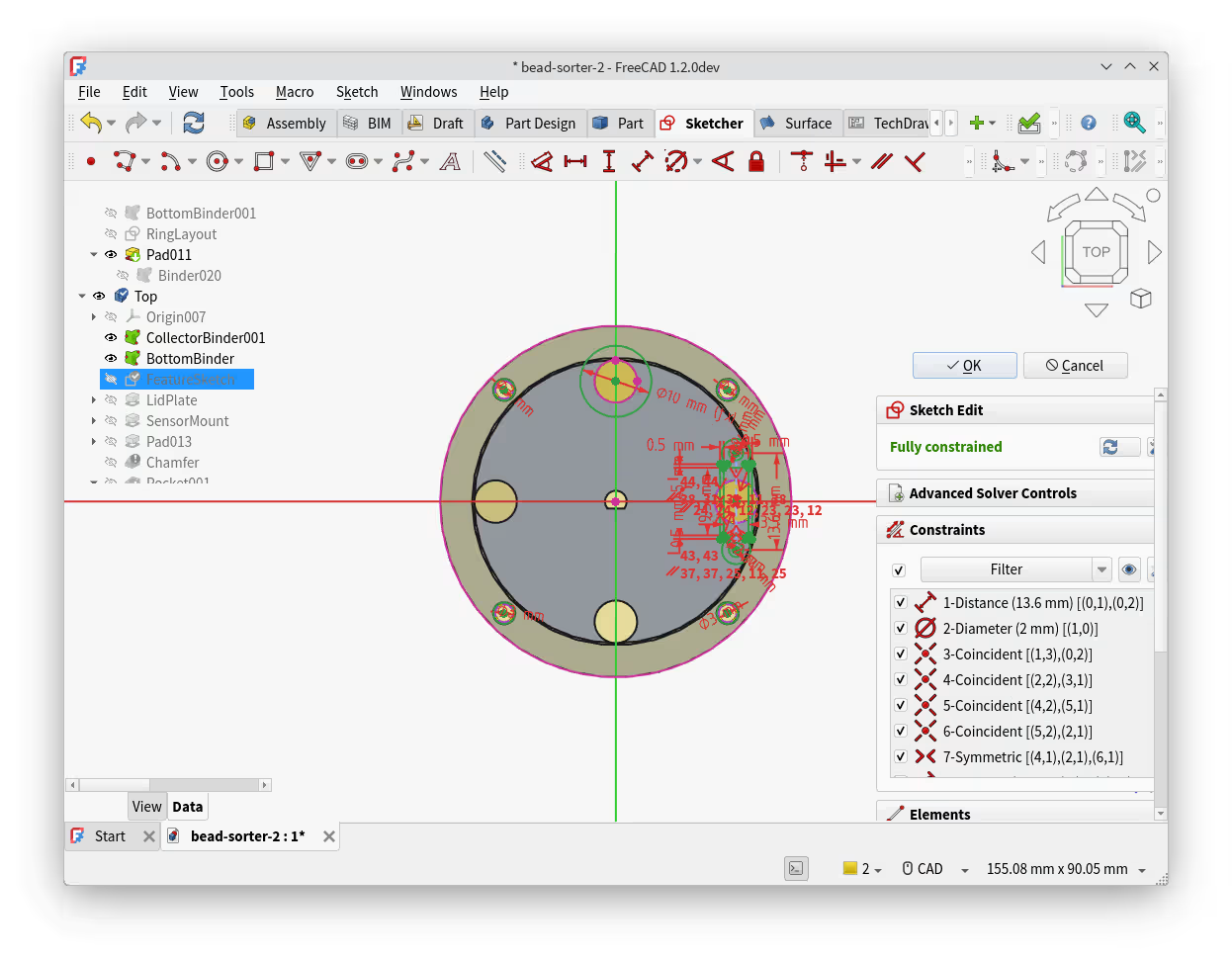
If you have a 3D printer, you know you can only go so far printing others’ designs. Eventually you need something that isn’t out there for you. Custom-fit containers. Replacement parts. Shims accurate to 0.2mm. Problems you solve with a little bit of plastic in the right shape. And for that you need CAD, able to design anything from a building to a circuit board.
You might be familiar with YouTubers peddling Fusion and OnShape, and there are lots more options but precious few for Linux.
I first tried FreeCAD about a decade ago. It wasn’t a smooth experience. A stubbornly blue interface, a quagmire of obtuse icons and panels. It was overbearing, unpretty, and crashed so frequently I just gave up. I haven’t been following its development until very recently, since I started needing design software, but the last few years of FreeCAD’s 23 year history has seen some incredible leaps in usability and stability.
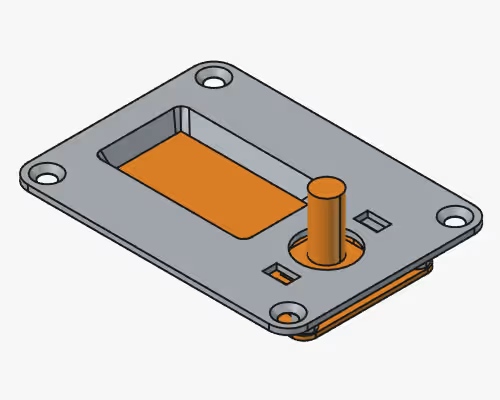
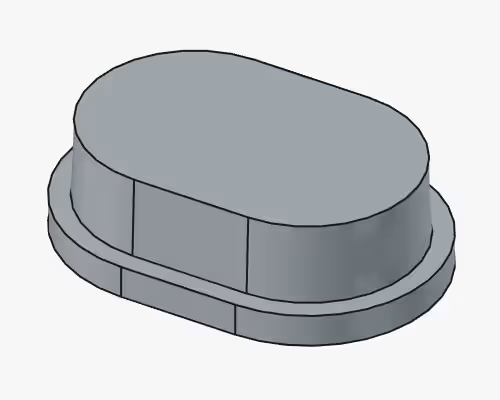
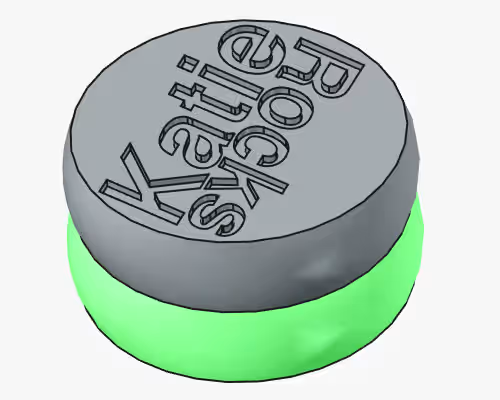
Since picking it up, I’ve made a flurry of things. From low-tolerance electronics mounts to quick-and-dirty parts for a torch. I’ve even replicated household items like drawer knobs and curtain rail holders that have broken and aren’t easily replaceable. The freedom to identify a problem, measure everything out with your Verniers and have a solution printing out within the hour is the most futuristic thing available.
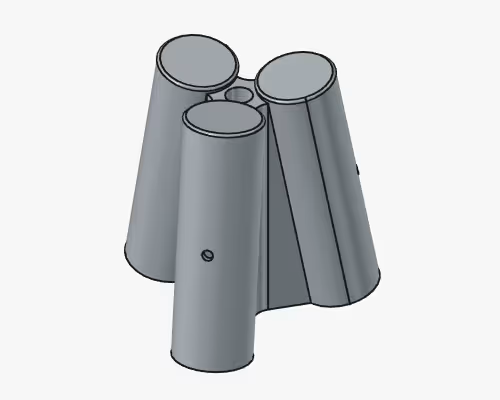
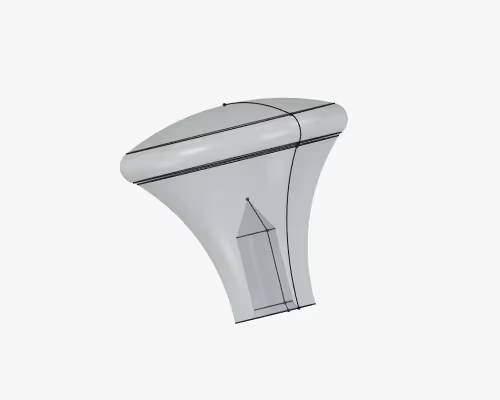
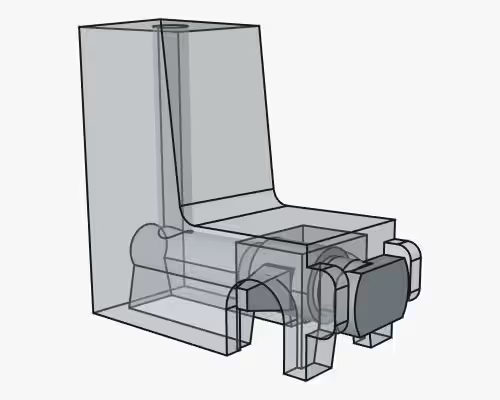
I won’t pretend it’s all easy, you still have to learn how to use it, but that’s true of all CAD packages. Thankfully there is a large and helpful community around FreeCAD that can get you up to speed pretty quickly:
- Deltahedra got me interested in FreeCAD through lots and lots of shorter-format feature videos. There are lots of feature-updates as FreeCAD gets improvements, and there’s nothing like a “quick hacks” video for improving your own workflow.
- MangoJelly Solutions does everything Deltahedra does, but also does excellent long-format project videos.
- Too Tall Toby has a superb collection of spec drawings for you to recreate in a timed environment. FreeCAD isn’t the only tool you can use for these, but I’ve found that it hasn’t stopped me beating the average times. Many TTT challenges also have tutorial videos for FreeCAD.
- Craftmanspace maintains a collection of tutorial videos from various sources. It’s a good resource for targeting specific workbenches.
Once you have some familiarity with the Part Design and Sketcher workbenches, you can start making stuff and sending it to your printer (or a third party print service).
I’m not nearly expert enough to actually talk you through even a tenth of what FreeCAD has to offer, but I can tell you it’s plenty Good Enough™ to make stuff now. I strongly suggest you give it a shot and download FreeCAD. If you need a hard pitch, here are 30 reasons from Deltahedra: